The Benefit Companies, Inc.
THE VISION, SKILLS, AND TECHNOLOGY TO MEET A CHANGING FUTURE
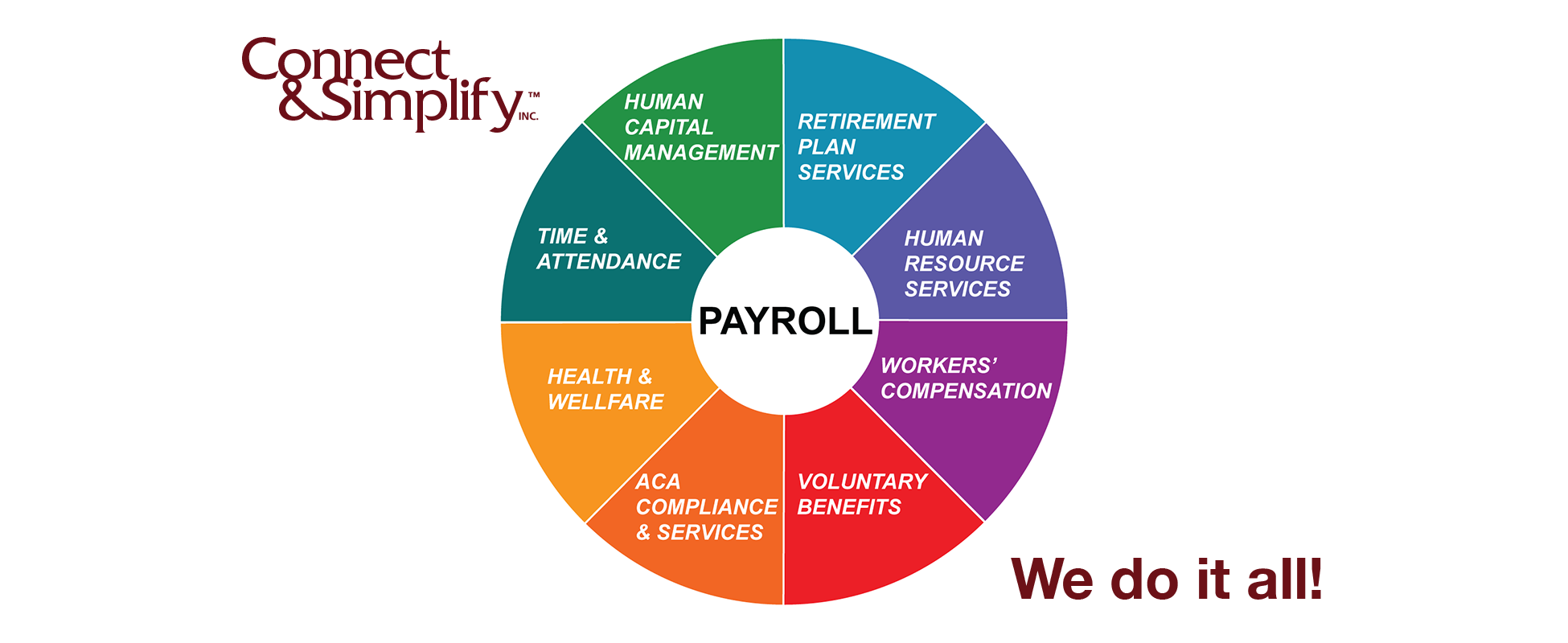
Outsourcing has moved from an occasional experience to an efficient way to manage a business. The Benefit Companies, Inc. has combined technical abilities, consultative experts, and a vast array of products and services to customize a solution to suit your outsourcing needs. We provide employee benefits, retirement plan services, financial planning and education, property and casualty insurance, human resource consulting, time and attendance, payroll, and Affordable Care Act administration services.
We pride ourselves in providing flexible, reliable, and outstanding customer service. Contact us today to see how we can help you!

Educational Webinars
Our educational webinars keeps you informed, prepared, and up to date on Affordable Care Act Administration & Compliance and Employee Benefit Best Practices.
Learn more >

Affordable Care Act Alerts
The healthcare system in our country is constantly changing. Stay current and remain compliant with these important updates regarding the Affordable Care Act.
Learn More >
BeneToons
Our BeneToons offer a fun way to keep yourself educated and up-to-date. We cover numerous topics in relation to the services we offer; they are short, sweet, and to the point.
Learn more >